


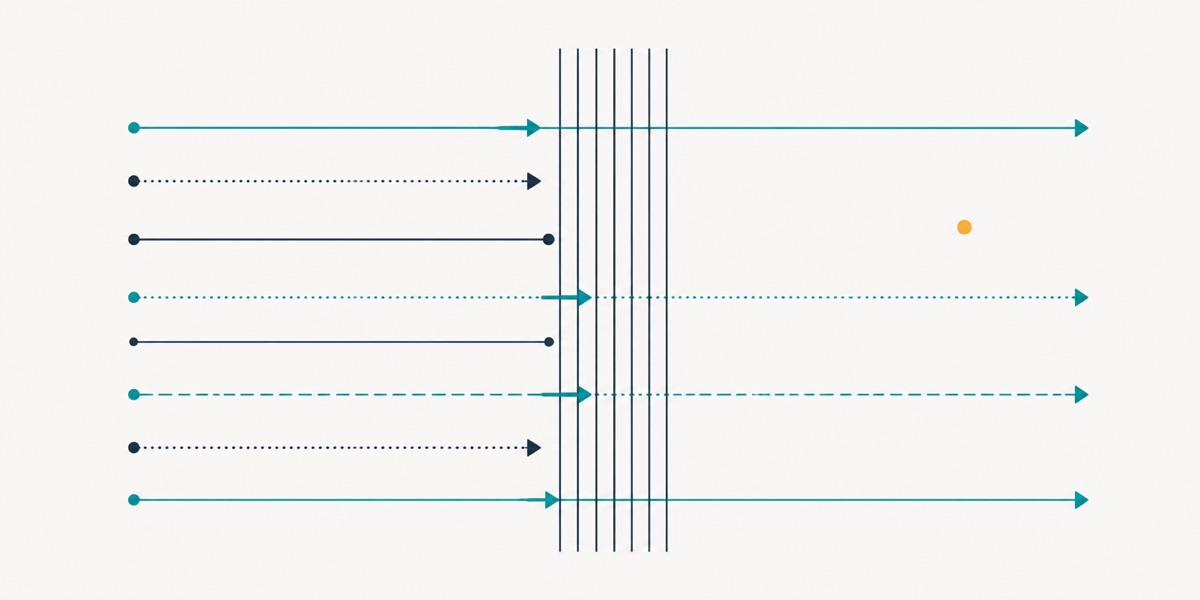
A classic firewall checks who comes in; a WAF checks what they bring. Because nearly every web attack arrives through a legitimate door in a legitimate-looking request, protection stays incomplete without the second.
Short answer: what is a WAF?
A WAF (web application firewall) is a layer that inspects the content of HTTP requests reaching your site, recognising and blocking malicious patterns. A classic firewall operates at network level, deciding which address may connect to which port; a WAF operates at application level and looks at the data inside the request. They are not alternatives: one controls the door, the other inspects what passes through it. For any business with a website, the second layer targets risk the first cannot close.
How the two layers divide the work
| Criterion | Network firewall | WAF |
|---|---|---|
| Operating level | Network and port | Application (HTTP) |
| What it examines | Source address, destination port | Request content, parameters, headers |
| Typical decision | Is this connection allowed? | Does this request contain a malicious pattern? |
| What it blocks | Access to services not exposed | Injection, scripting, abuse |
| What it cannot block | Attacks arriving over 80/443 | Network-level scanning and access |
The penultimate row is the critical one. A website must expose ports 80 and 443 to everyone in order to function; in other words, the network firewall is obliged to leave open the very door web attacks come through. The only layer inspecting what passes through it is the WAF.
Five attack types a WAF blocks
- SQL injection. Database commands inserted into a form field or address parameter, aiming to read, alter or delete data. A WAF recognises these patterns before the request reaches the application.
- Cross-site scripting (XSS). Malicious script planted in a page and executed in a visitor's browser. Session theft is the most common outcome.
- Credential stuffing. Login attempts using leaked username and password lists. A WAF blocks them through rate limiting and pattern recognition.
- File upload and inclusion attacks. Uploading a malicious file, or causing a file on the server to be executed unintentionally.
- Malicious bots and scraping. Automated traffic copying content, scraping prices or consuming resources. Blocking it also reduces server load directly.
What these five share: all arrive looking like ordinary web requests. At network level they are indistinguishable from normal visitor traffic.
False positives and tuning
- Run in monitoring mode first. For the first week or two, log without blocking; that period shows which rules catch legitimate traffic.
- Treat the admin panel and content editor separately. Content managers may write HTML or code snippets that look like attacks. Rather than loosening rules for those paths, restricting access by IP is the safer solution.
- Test file upload flows. Large files or unusual formats are common sticking points.
- Review blocked requests regularly. A WAF nobody reads logs from may be quietly losing you customers.
- Keep the rule set current. New attack patterns are published regularly; an unmaintained rule set loses value over time.
What a WAF does not solve
- Weak passwords and missing two-factor authentication. A login with the correct credentials is a legitimate request as far as a WAF is concerned.
- Unpatched components. It can temporarily screen a known flaw but does not replace the patch.
- Permission design errors. A structure where everyone can reach everything is an application-level problem.
- Server access security. SSH and panel access is a separate subject — see our hardening article.
A WAF therefore belongs after the fundamentals in a security budget; bought earlier, it becomes a layer guarding a door still standing open.
Netişlem expert view: a WAF's most tangible benefit is often cutting the noise
Businesses think of WAFs in terms of major attacks. The most visible benefit we see in the field is different: the elimination of automated scanning, probing and scraping traffic. On many sites that traffic makes up a noticeable share of total requests and quietly consumes server resources. Switching a WAF on brings measurable relief on both the security and performance sides.
Our second observation is deployment that skips monitoring mode. A WAF put straight into blocking mode can stop legitimate transactions in its first days, and the first to notice is usually a customer. A two-week observation period removes almost all of that risk.
Third, WAFs are assumed to be "installed and done". Rule sets need updating, blocked requests need occasional reading, and rules need review when the application changes. An unmaintained WAF loses both protective value and reliability over time.
Deployment checklist
- Fundamentals complete (2FA, updates, backups) — a WAF comes after those.
- Run in monitoring mode for the first one to two weeks.
- Admin panel access protected separately (IP restriction preferred).
- File upload and form flows tested.
- Payment and login pages specifically verified.
- Blocked request logs reviewed regularly.
- Rule set updates scheduled.
- Direct access to the origin server restricted (otherwise the WAF can be bypassed).
- Real visitor IPs verified as reaching your logs.
Frequently asked questions
Are a WAF and DDoS protection the same thing?
No, though they work together. DDoS protection absorbs volumetric traffic; a WAF inspects request content. Application-layer attacks need both — we covered the distinction in our DDoS article.
My site is small — do I need a WAF?
Automated attacks do not select targets, so size is not decisive. But order matters: a WAF bought before updates, strong authentication and backups will not deliver what is expected. With the fundamentals in place it is a meaningful layer, particularly for sites with forms and logins.
Will a WAF slow my site?
It adds a small delay per request, but because many deployments also provide caching and content delivery, the net effect is usually positive. Measuring before and after shows the real picture.
Cloud-based or on-server?
Cloud-based solutions filter traffic before it reaches your server and add advantage against volumetric attacks. On-server solutions offer more control but keep the load with you. For most SMEs the cloud-based approach is more practical.
With a WAF, can I skip updates?
No. A WAF can temporarily screen a known flaw, but that buys time rather than replacing a patch. Updates must still happen — we covered this risk in our version upgrade article.
Conclusion
A WAF does not replace a network firewall; it closes the layer the firewall cannot see. Deployed in the right order — after the fundamentals, starting in monitoring mode, with regular maintenance — it measurably reduces both attack surface and server load.
If you would like us to assess your protection layers, get in touch. You can review our WAF and DDoS protection, DDoS protection and secure hosting solutions.